
Design your own plant pot: a step-by-step beginner guide
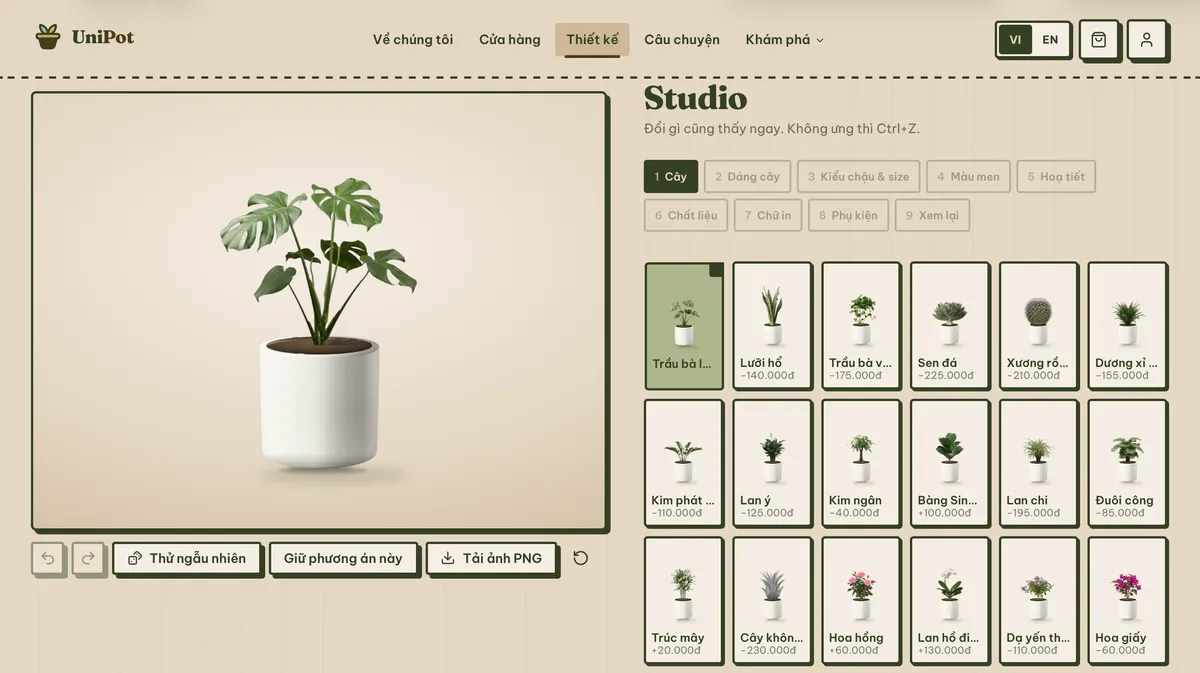
Ordering a custom pot usually means a chat thread, a paragraph of description and a wait for mock-ups. Designing one on UniPot works differently: you pick each element on screen and the preview updates as you go. This walks through all nine steps of the studio, including the ones people hesitate at, so you know what to expect before you start.
How this differs from a custom order
The biggest difference is that you can see what you are choosing. With a custom order, the gap between a written description and the finished object is where every misunderstanding lives — your idea of brown and the maker's idea of brown are rarely the same.
The second is that you decide how far to go. Nobody requires you to touch all nine steps. Plenty of people change only the glaze and the text and leave everything else at its default, and that is still a pot they designed.
The third is that the price is never a surprise. Any choice that changes the total shows its difference right there, so you are never waiting on a final quote to find out what you just agreed to.
What to have ready before you open the studio
You need nothing at all to start playing. But if you want to design a pot and order it in one sitting, three pieces of information will shorten the process a lot.
- Where the plant will stand and how much light it gets. That decides the species, and the species decides the pot size.
- The diameter of the root ball if you already own the plant — or just the width of the empty spot if you do not.
- A photo of the corner, for the room preview at the end. A phone snapshot is plenty.
Missing all three, you can still walk the nine steps; you will just come back to adjust the size later. Which is fine, because the design is saved.

The nine steps
The studio runs from the hardest thing to change to the easiest. You can jump back to any step, and the preview always shows the current state. The whole thing takes about ten minutes the first time.
Steps 1 and 2: the plant and its pose
The plant comes first because it drives the pot size and, to a degree, the shape. There are twenty species in the catalogue, six of them flowering, each listed with its light needs, watering interval and whether it is safe around pets.
The pose step is the one people skip and the one that changes the feel most. Natural, spreading, upright and compact produce four visibly different results from the same species — the way two plants of the same kind never actually grow alike.
Steps 3 and 4: shape, size and glaze
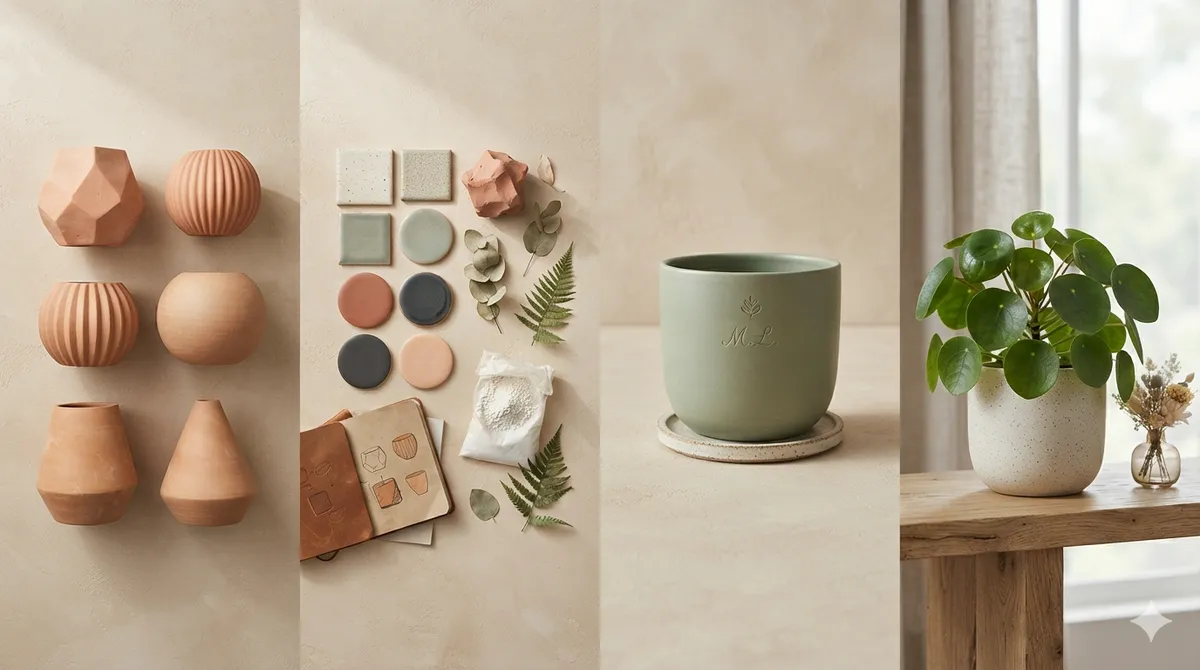
There are ten shapes and three sizes. The sizing rule is the same as buying off a shelf: two to four centimetres wider than the root ball. S is twelve centimetres across for desk plants, M is eighteen, L is twenty-four for floor-standing ones.
The glaze is where most people linger. Seventeen colours, with the five brand shades at the top of the list. If you are torn, the rule from the pot-choosing guide applies: a busy room wants neutral, a plain room can take an accent.
Steps 5 and 6: pattern and material
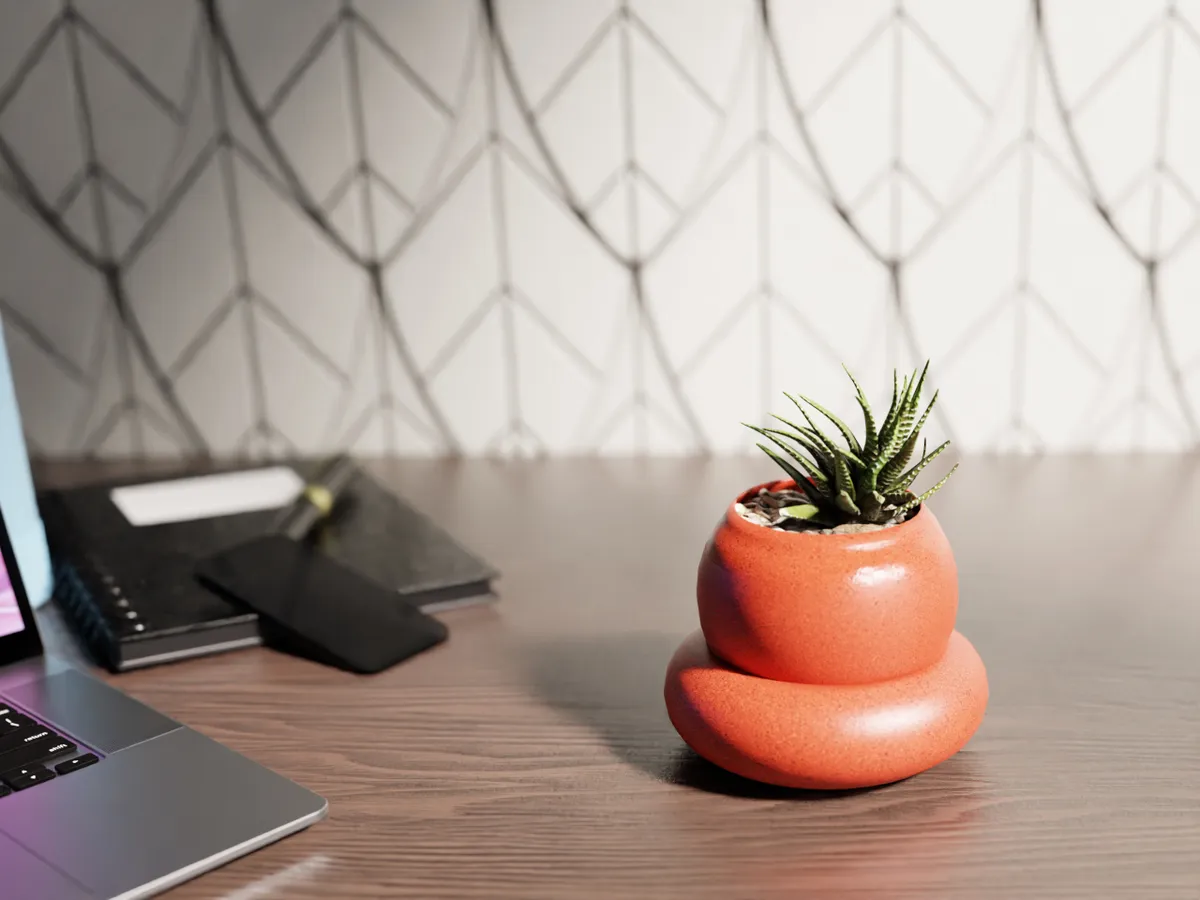
Nine patterns, and choosing none is a perfectly good answer. Patterns work best on a plain, neutral pot; on top of an already strong glaze the two compete.
Five materials, differing in both feel and price. Fired ceramic gives a warm, slightly uneven surface; 3D printing holds shapes ceramics cannot. Each option shows its price difference next to it.
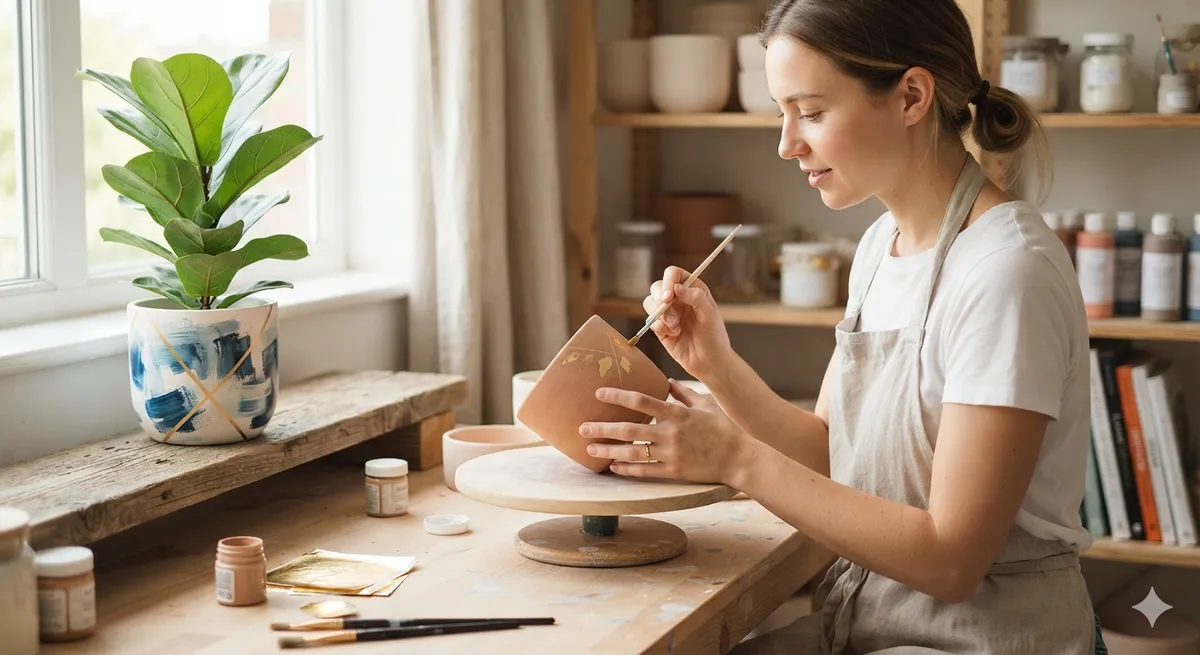
Steps 7 and 8: text and extras
This is the step that turns a nice pot into your pot. Type the text, pick one of four typefaces, choose where it sits. Vietnamese diacritics render correctly, stacked ones included, so nothing has to be dropped to be safe.
One piece of advice: shorter is better. A name or a pair of initials almost always works; a full sentence has to shrink to fit around the pot and reads worse than you imagine. The ten accessories in the next step are optional extras.
Step 9: review before you commit
The last step collects every choice on one page with the full price. This is where to re-read the printed text, because it is the one thing that cannot be corrected after firing. Reading it out loud once catches most mistakes, especially when the name on the pot belongs to somebody else.
Try it in your own room
Before ordering, photograph the corner you have in mind, drop the pot you just designed into the picture, drag it into place and scale it. Against a real table or window the size question answers itself — much faster than measuring and imagining.
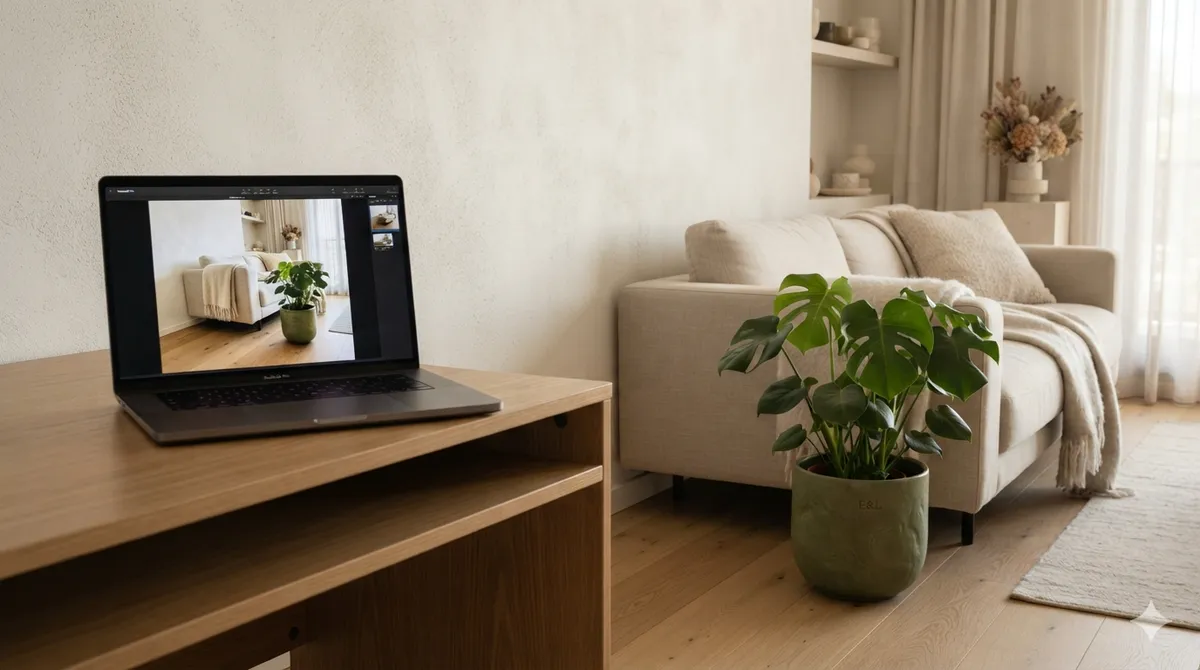
The photo never leaves your device. It is processed in the browser rather than uploaded anywhere, so photographing your own bedroom is not a privacy decision.
Four things people get wrong the first time
Most people designing a pot for the first time trip on the same handful of things. Knowing them in advance saves a re-order.
Changing everything because you can
Nine steps does not mean nine departures from the default. A strong glaze plus a pattern plus a long line of text plus accessories usually reads as noise rather than personality. One or two decisions should carry the pot; everything else stays quiet so they can.
Judging the glaze on screen instead of in the room
A glaze looks different next to real walls and real furniture. A colour that sings against the studio's white background can vanish into a beige living-room wall. This is exactly what the room preview is for.
Sizing to the photo, not to your plant
The preview always shows the plant at a flattering scale, which makes it easy to size up more than you need. Measure the root ball of the plant you actually own and add two to four centimetres.
Writing too much
The printed line is the most personal part of the whole thing and the easiest to ruin. A long sentence has to shrink to wrap around the pot, and ends up too small for anybody to read. If you are torn between a sentence and a name, take the name.
Save it, share it, order it
You do not have to finish in one sitting. An unfinished design is saved and waits for you, so choosing the plant today and settling the glaze at the weekend is a normal way to do this.
When you are happy with it, generate a share image to ask a friend, or add it straight to the cart. If it is a gift, you can attach a written note, record a short voice message and set when it unlocks — the recipient opens it through a private link and never sees the price.
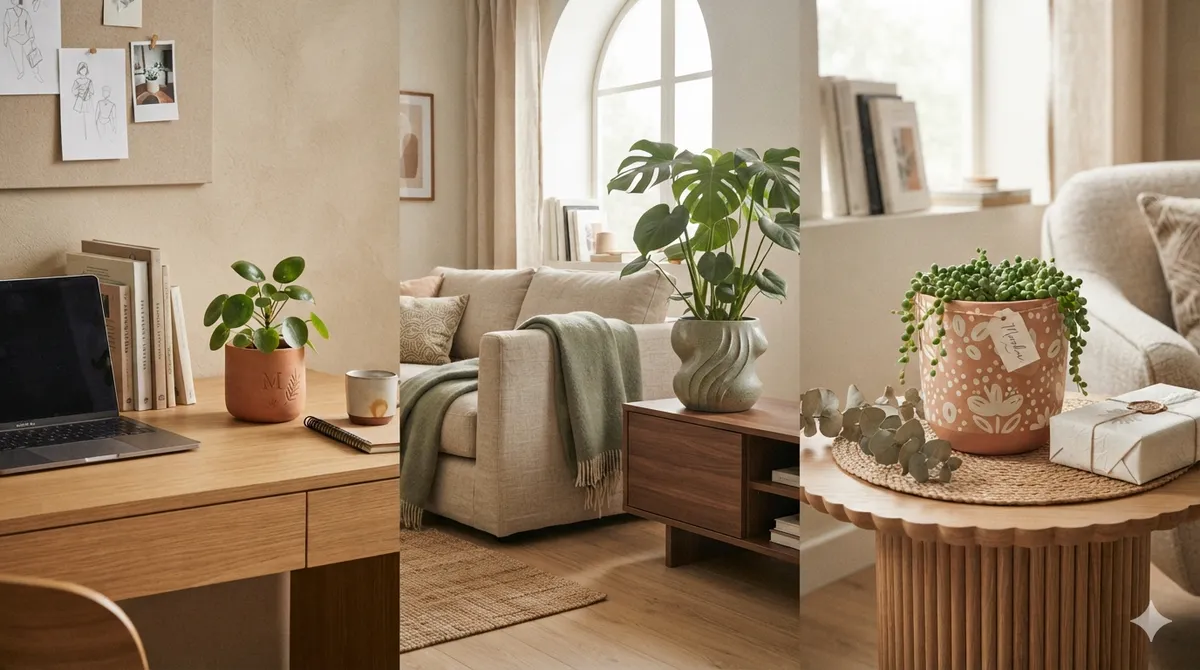
In short
Designing your own plant pot takes no artistic training, only a sense of what you like. The studio runs from plant to printed text, one decision per step, with a preview that shows you the result instead of asking you to picture it. If the shape or the glaze has you stuck, let the AI Stylist propose a starting point and adjust from there. Open the UniPot studio and design the pot for your corner today.